
Meditation elevated
Serenescape
A meditation timer with nothing else in it — on iPhone, and on Apple Vision Pro, where it becomes a breathing orb in the room.
- Platforms
- iOS 17.6 · visionOS 26.2
- Price
- Free
- Status
- On the App Store
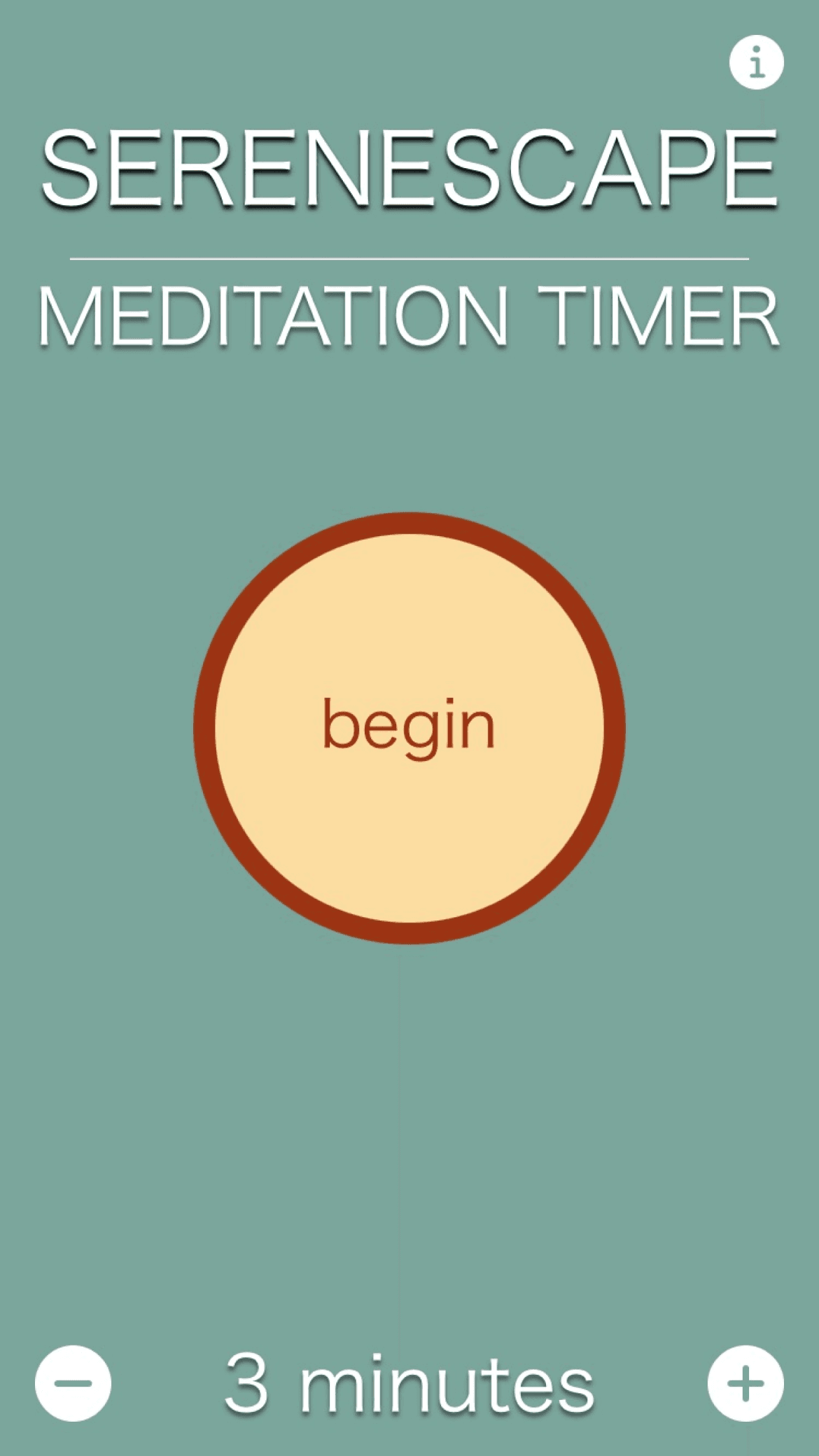
Most meditation apps want a relationship with you. They want an account, a subscription, a streak, a daily reminder, a library of guided programs you feel behind on. Serenescape wants three minutes. You set a length, you press begin, and the screen gives you something soft to look at until the time is up.
It’s one app on both platforms. On iPhone that means a full screen of slow color in your hand. On Apple Vision Pro it means the timer stops being a screen at all.
What it does
One button, one decision
Pick a duration and press begin. There is no onboarding, no streak to protect, and no course to enroll in — the whole app is the length of your session and the word begin.
A screen worth resting on
While the timer runs, concentric rings breathe slowly outward in soft color. It gives your eyes somewhere to sit without giving them anything to read.
Four moods, no menus
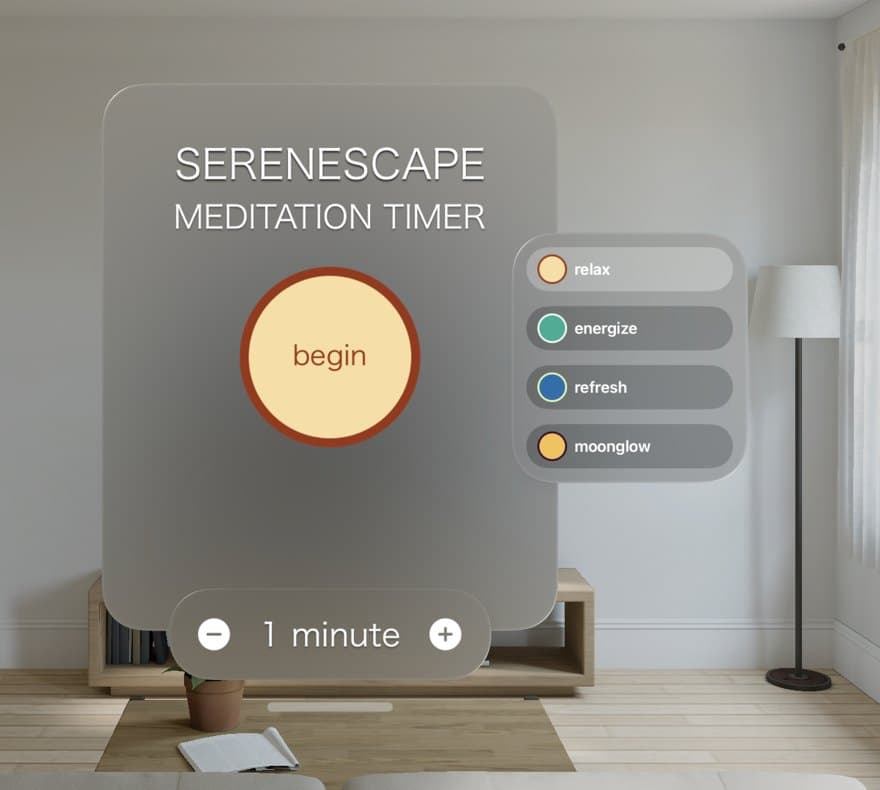
Relax, energize, refresh, and moonglow — each one repaints the session in its own palette. Pick one on the way in and forget the settings exist.
A breathing orb in the room
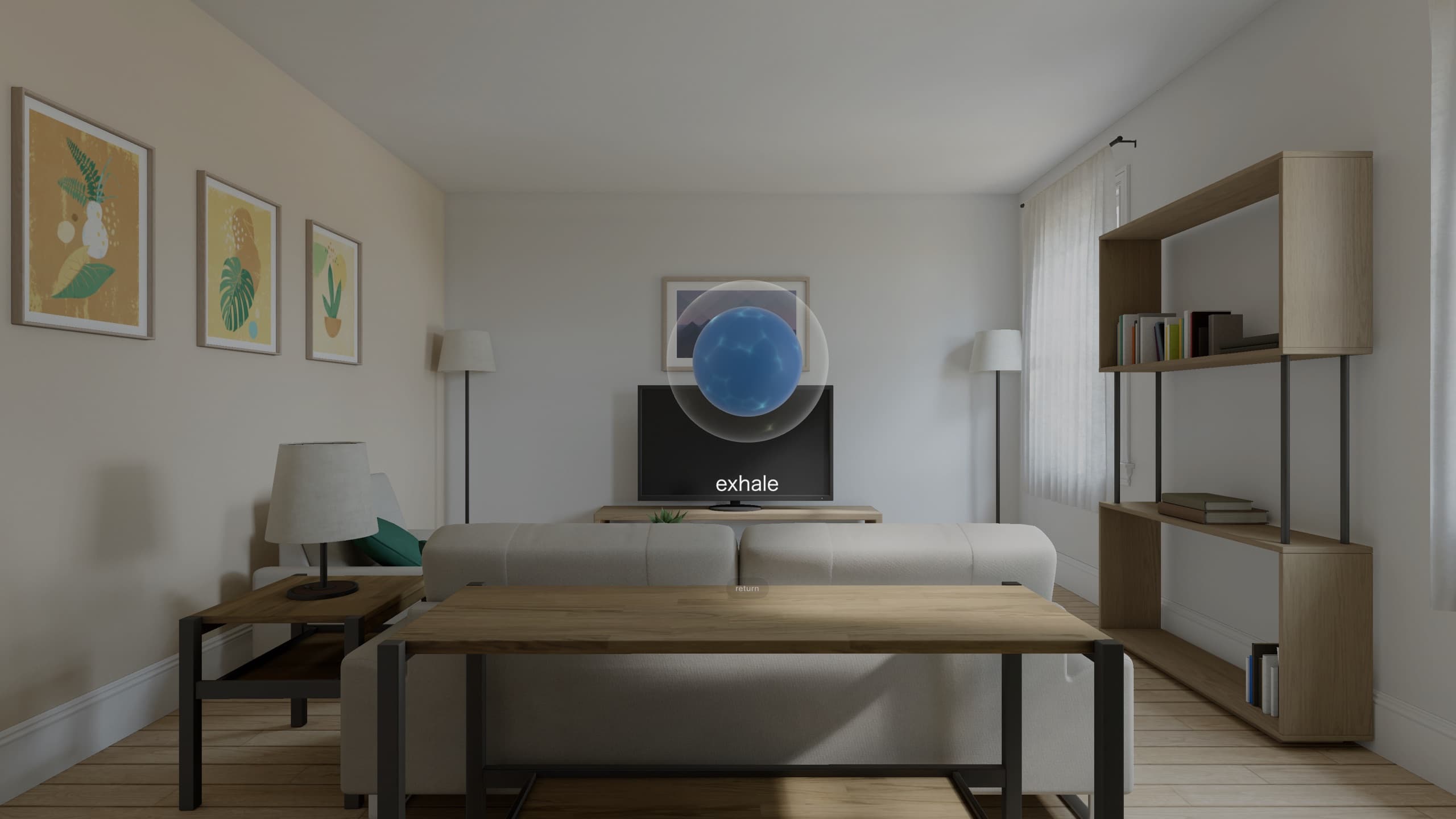
On Apple Vision Pro the timer leaves the window: a 3D orb floats in your space and expands and contracts with the breath you're meant to take, labeled inhale and exhale.
Ambient sound, optional
Quiet background audio if the room isn't quiet enough on its own — and silence if it is.
A line to sit with
Sessions end on a short quote about stillness rather than a chime and a summary screen.
Widgets on the Home Screen
Start a session without opening the app, and change the duration from the widget itself.
Nothing to sign up for
No account, no ads, no data collected. Open it, meditate, close it.
On Apple Vision Pro
Version 2.0 added a 3D breathing orb. It sits in your room rather than on a display, swelling and settling at the pace you’re meant to breathe, with a single word — inhale, exhale — underneath it. Look away from the orb and the room is still your room.
Before a session it’s an ordinary window you can put anywhere, with the four moods listed alongside the begin button.
Relax 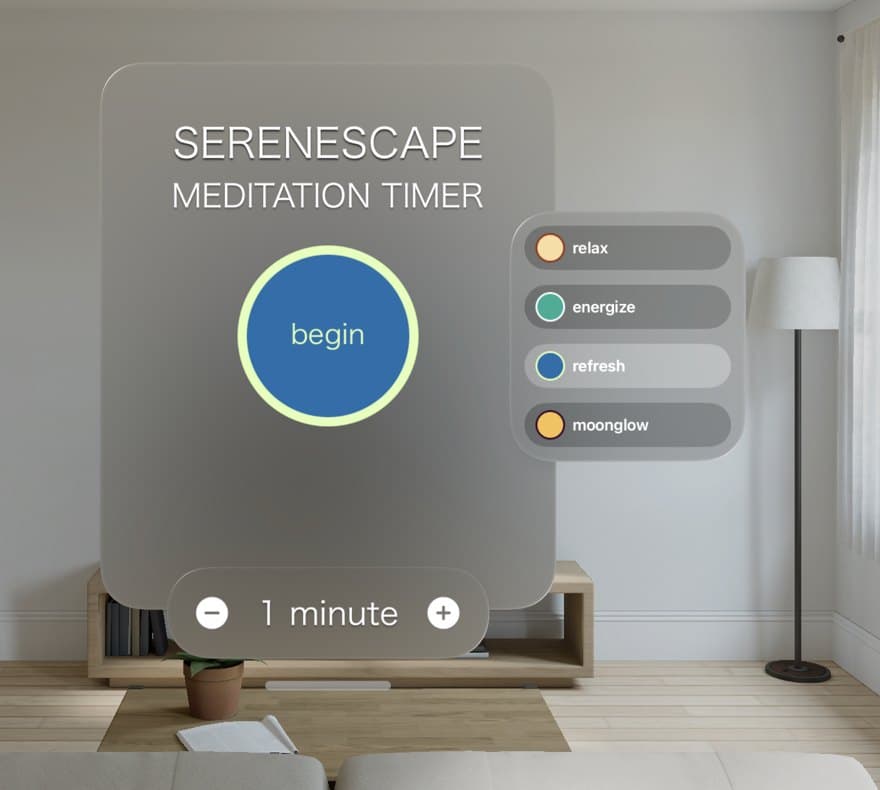
Refresh
On iPhone
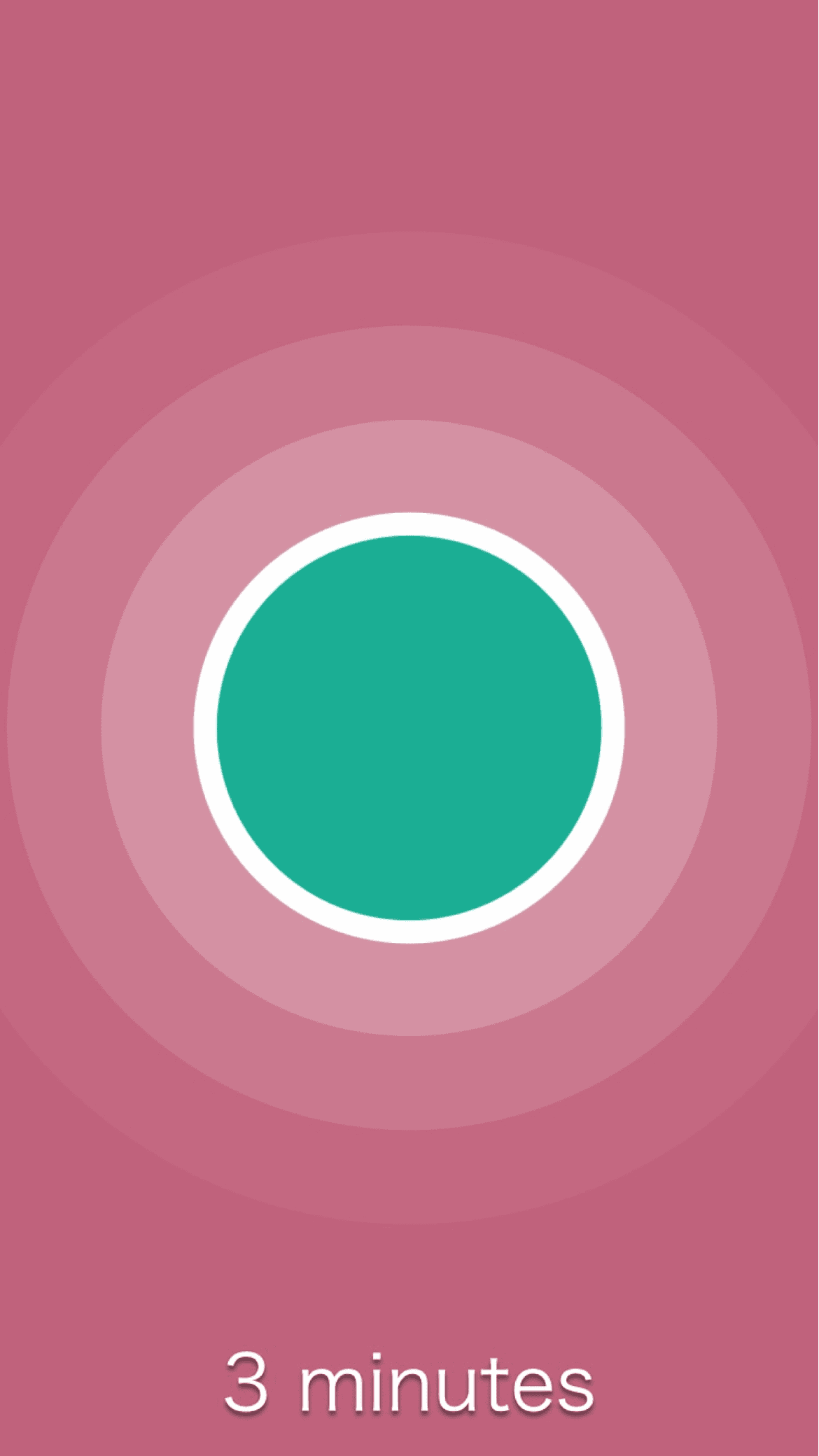
A session, running 
Another mood 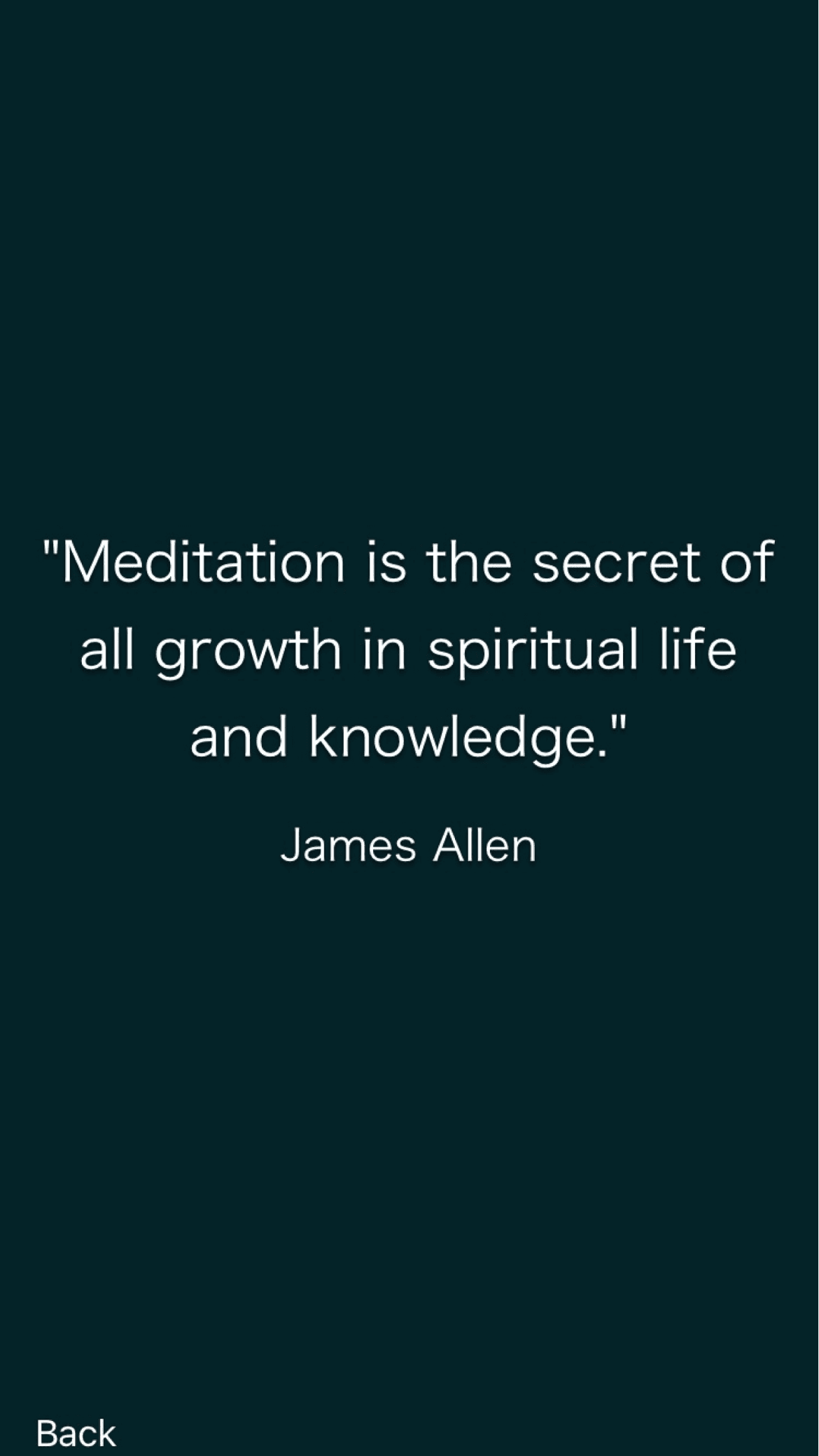
How a session ends
Privacy, in one line
No servers, no accounts, no analytics, no third-party SDKs. Serenescape runs entirely on your device and collects nothing.
Apple Vision Pro screenshots are captured in the visionOS Simulator. Serenescape is not affiliated with Apple. Apple, iPhone, and Apple Vision Pro are trademarks of Apple Inc.